Page
Stitched booklet artwork: page order, bleed and PDF checks
Supply saddle-stitched booklet artwork as single pages in reading order, from the front cover to the back cover. Include the required bleed and check the complete page count before uploading. Unless we have agreed otherwise, do not rearrange pages into printer spreads yourself.
Count covers and blank pages
A folded sheet makes four pages, so a saddle-stitched booklet normally needs a total page count divisible by four. Count the front cover, inside front cover, inside back cover and back cover as well as the inner pages. Intentional blank pages count too.
For example, 12 inner pages plus a four-page cover make a 16-page booklet. Check how the selected product describes its page count and confirm the available option before finishing the design. Do not add or remove pages simply to make an export fit an order.
Export single pages in reading order
Your PDF should begin with the front cover, followed by the inside front cover and the rest of the pages in the order a reader sees them. The back cover is last. Check the PDF thumbnails as well as each full page.
Two pages next to each other in the design application are reader spreads. Printer spreads arrange pages differently so that they end up in the right place after folding. Production handles that arrangement, called imposition. Supply single pages rather than imposed spreads unless the job’s instructions specifically ask for something else.
Allow for trimming and the centre fold
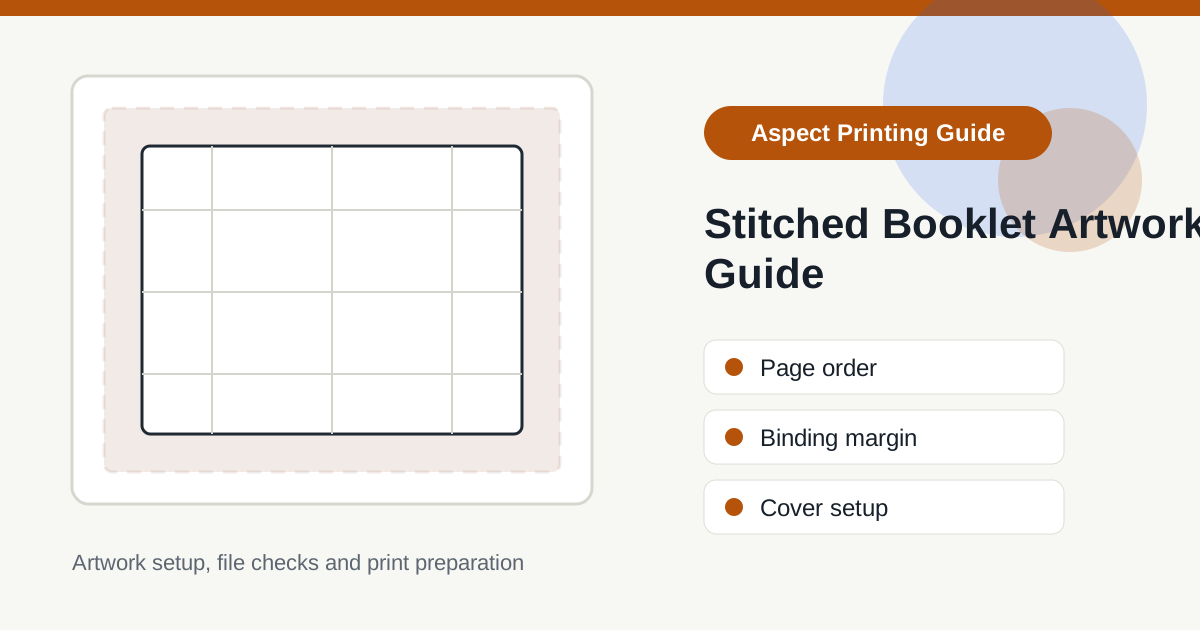
Set the document to the booklet’s finished page size. Add the bleed required by the product template wherever an image or background reaches the edge. Keep page numbers, logos and small text comfortably inside the safe area and away from the fold.
A photograph can cross a spread, but fine detail or text directly on the fold may be difficult to read. Thicker booklets also need attention to margins because folded inner sheets project further before trimming. Do not apply your own page-shifting adjustment unless it has been agreed for the job.
Check the cover specification
A heavier cover or cover lamination does not change the reading order of the file. Confirm that the paper and finish selected match the quote or product options. Supply one complete PDF unless we have asked for separate cover and inner files.
If colours need to match across a cover and inner pages on different stocks, read the CMYK and colour guide and discuss any critical matching requirement before approval.
Final PDF checklist
- Confirm the finished size, orientation and total page count against the order.
- Open the exported PDF and check single pages are in reading order.
- Check covers and intentional blank pages are present.
- Check bleed, margins and text near the trim and centre fold.
- Review spelling, contact details, images and any QR codes.
Our print-ready PDF checklist covers the wider file checks. For Canva designs, also read the Canva export guide.
Choose a booklet or ask about the file
Compare A5 stapled booklets, A4 stapled booklets and premium A5 booklets, or browse the brochure range.
If page order, binding or margins are unclear, send us the specification and a sample PDF before approving print. Include the finished size and page count. Once ordered, use the artwork link supplied with your order; the upload guidance explains the available routes.