Product details
About this product
Folders that go together without glue
These folders arrive flat. Fold the pocket and tuck the tabs into place when you need them, rather than storing boxes of ready-made folders. They work well for proposals, conference packs, welcome documents and information you want a client to keep together.
Choose the pocket for your documents
- A5 documents: a 7mm spine.
- A4 documents: a 7mm spine, or rounded-tab versions with a 5mm or 10mm spine.
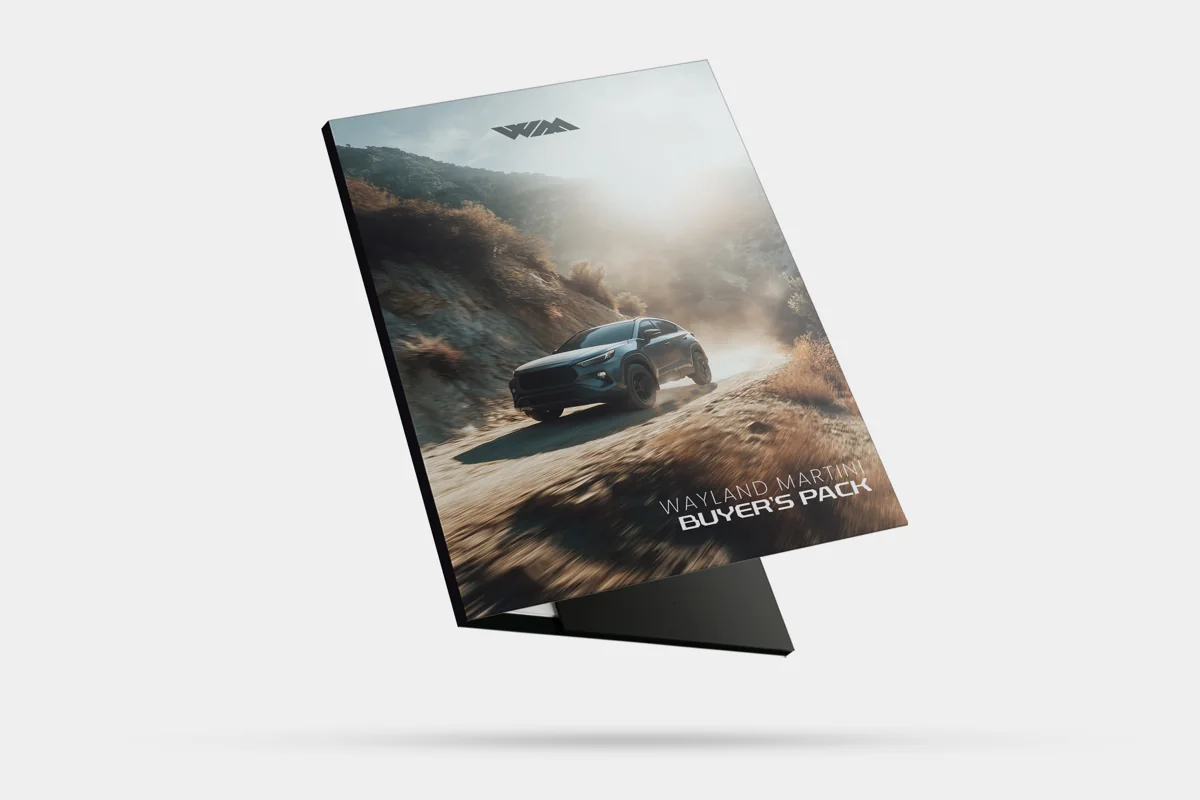
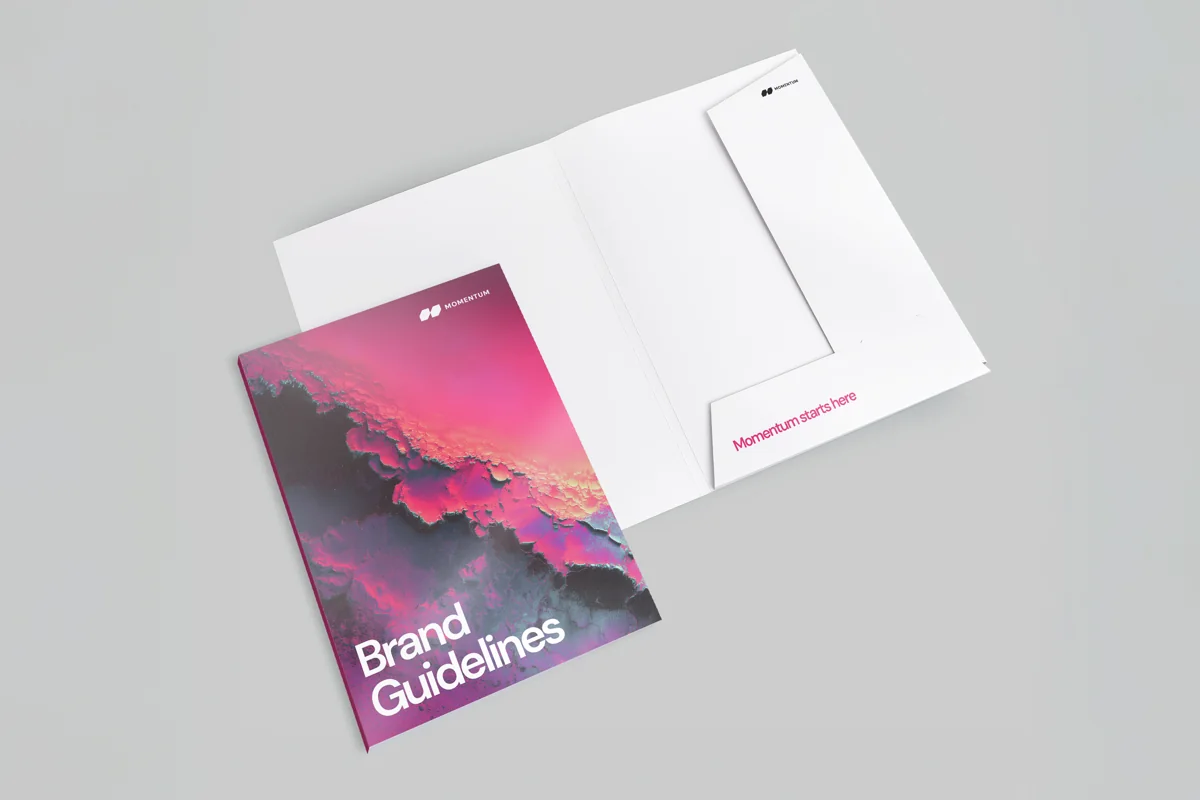
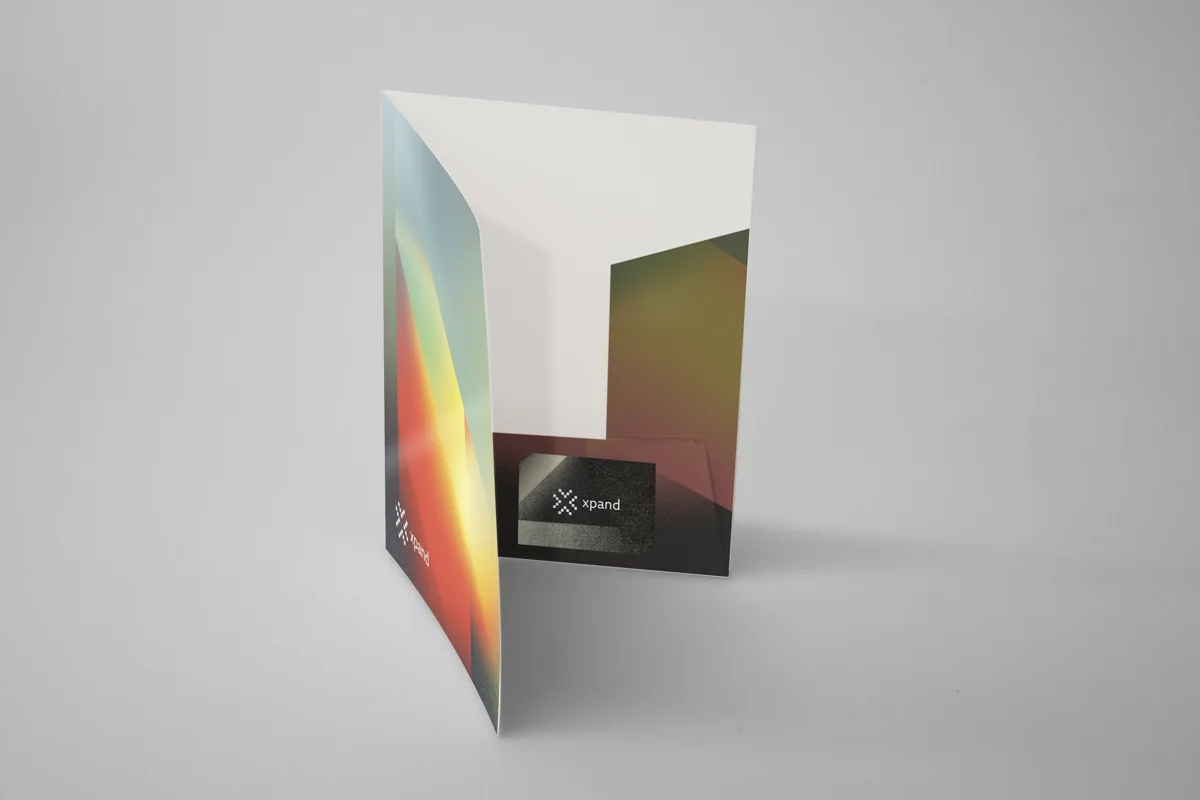
The folders are oversized to hold the stated paper size. The spine measurement describes the construction, not a guaranteed number of sheets: thicker paper and brochures take up more space. Each style has its own template, pocket and tab shape. The photos are print examples, not capacity drawings.
Print outside, or inside as well
Outside print covers one face of the unfolded folder, including the outside covers and the pocket areas shown on the template. Choose outside and inside print if you also want colour on the other face. This is different from lamination: you can print both faces while protecting only the outside.
Choose a surface finish
Matt gives a low-sheen surface, gloss adds shine, and soft-touch has a smooth, velvety feel. Choose outside-only lamination or protection on both faces. The 7mm styles can also be left unlaminated. The rounded-tab 5mm and 10mm versions require lamination.
Raised gloss, gold foil or silver foil can pick out details on the outside face. These finishes are available with matt or soft-touch lamination and need extra artwork. Supply a separate aligned vector PDF showing the finish as solid shapes. Use text at least 8pt and lines at least 1pt, with no gradients or transparency. Keep raised-gloss coverage below 25% of the page. For foil, remove printed elements directly beneath the foil details while retaining any background design. We check the colour file and finishing mask together before production.
Use the matching flat template
A folder needs artwork for its whole unfolded shape, not a two-page A4 or A5 document. Download the template beside your chosen style before designing. Page 1 shows the outside spread; page 2 shows the inside. Supply the face or faces you have chosen to print, with a separate outside mask if you have selected a special finish.
Allow 3mm bleed around the cut edges. Keep text and logos at least 3mm inside the cut line and clear of folds and slots. Export a CMYK PDF with embedded or outlined fonts and images at 300dpi at their printed size. Remove template lines, labels and instructions before export. The cut shape, pocket, business card slot and finishing mask need a manual artwork check; an upload preview is not approval to print.
Quantity, production and delivery
Choose one design and one of the quantities shown in the options. Production takes 3 to 4 working days after artwork approval, followed by courier delivery. Check the estimate beside your price rather than counting from the day you first upload a file.
The price includes standard delivery to one UK mainland address. Smaller jobs travel as parcels; larger jobs may arrive on a pallet using a tail-lift vehicle, with no forklift needed. You must have suitable access for the delivery vehicle and pallet. If your address cannot accept that, ask for a parcel-only quote before ordering. Timed, remote, non-mainland and split deliveries also need a checked quote.
Need another pocket, capacity, quantity, deadline or several designs? Ask us for a checked quote. We will confirm the specification and template before you prepare the artwork.
Artwork and delivery Files and timing
Before uploading
Artwork essentials
- Keep brand colours consistent and leave safe areas for handwritten, overprinted or inserted content.
- Add 3mm bleed and keep important content at least 5mm inside the cut line.
- Supply a print-ready PDF with clear, high-resolution images.
Product templates
Start with the correct layout
Choose the template that matches the size and fold you order. Remove the guide layer before exporting your final PDF.
Artwork guides
Extra setup help
Need help?
Unsure about the file?
Send it to us and we will advise before it goes to print.
Timing: The delivery date shown at checkout assumes approved artwork by 4pm. A later approval may move the date.
FAQs Product questions before ordering
What artwork do I need for Interlocking presentation folder printing?
Keep brand colours consistent and leave safe areas for handwritten, overprinted or inserted content.
Can Aspect Printing check my file before production?
Yes. Upload your print-ready PDF after ordering and we will check the file before it goes to print. If it needs repair, we will contact you before production.
How quickly can this be printed and delivered?
Timing depends on the product, quantity and when the artwork is approved. Where online ordering is available, we show the delivery estimate before checkout.
Can I request a custom option?
Yes. If the size, material, finish or quantity is not listed, request a quote and we will advise on the best option.
Is VAT included?
VAT depends on the product and options you choose. We will show it clearly before you place an order or approve a quote.
Related print products
Related products
-
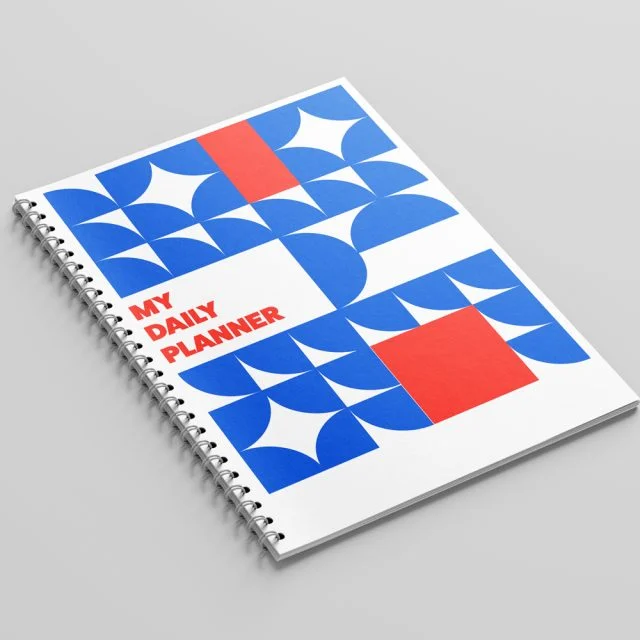
Wiro-Bound Exercise Book Printing
Choose the options you need before adding to basket.
-
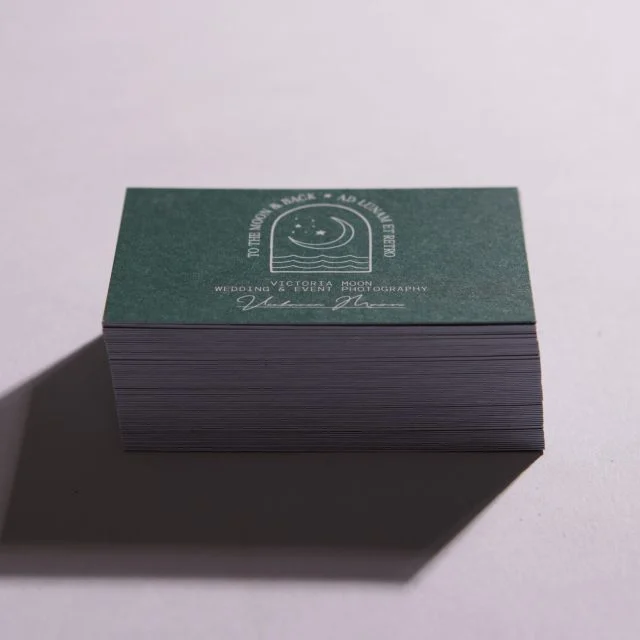
Uncoated business cards
Standard 85 × 55mm business cards on 400gsm uncoated stock, without a shiny coating or laminated film. Choose…
-
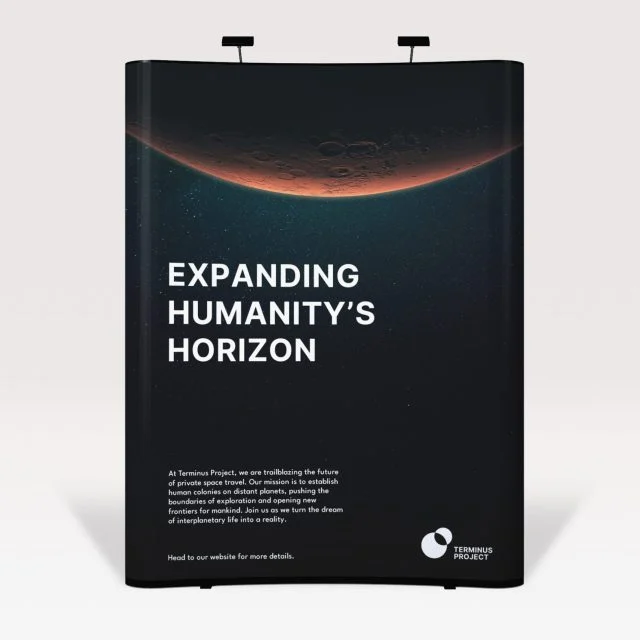
Exhibition Pop Up Stands
Choose the options you need before adding to basket.
-
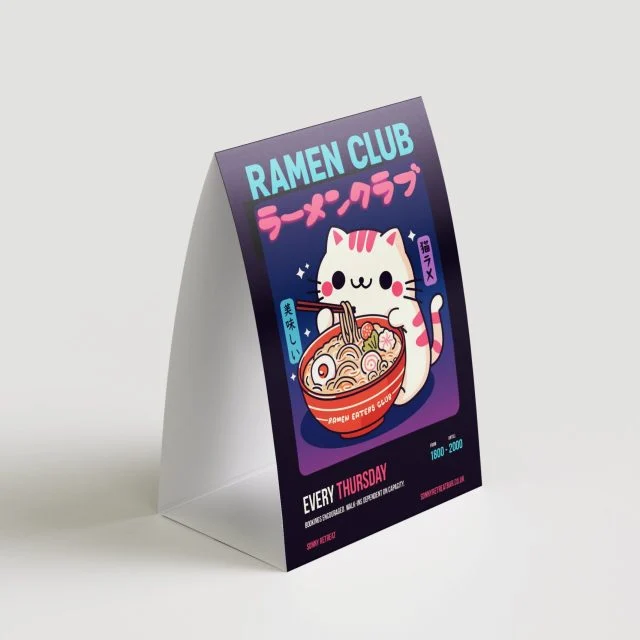
A5 and A6 tent cards
Table-top tent cards on 350gsm silk, supplied flat with creases and tape for easy assembly. Choose A5 or…